
An album is one piece
The next track is decoded before the current one ends. Live albums and classical movements run into each other as they were recorded.
A1 music player · macOS · Windows · Linux
FLAC Commander plays the music on your disk through its own audio engine written in Rust, one track into the next without a gap. And it changes its whole look while the song keeps playing.
Free and open source (MIT). No account, no streaming, your files stay where they are.
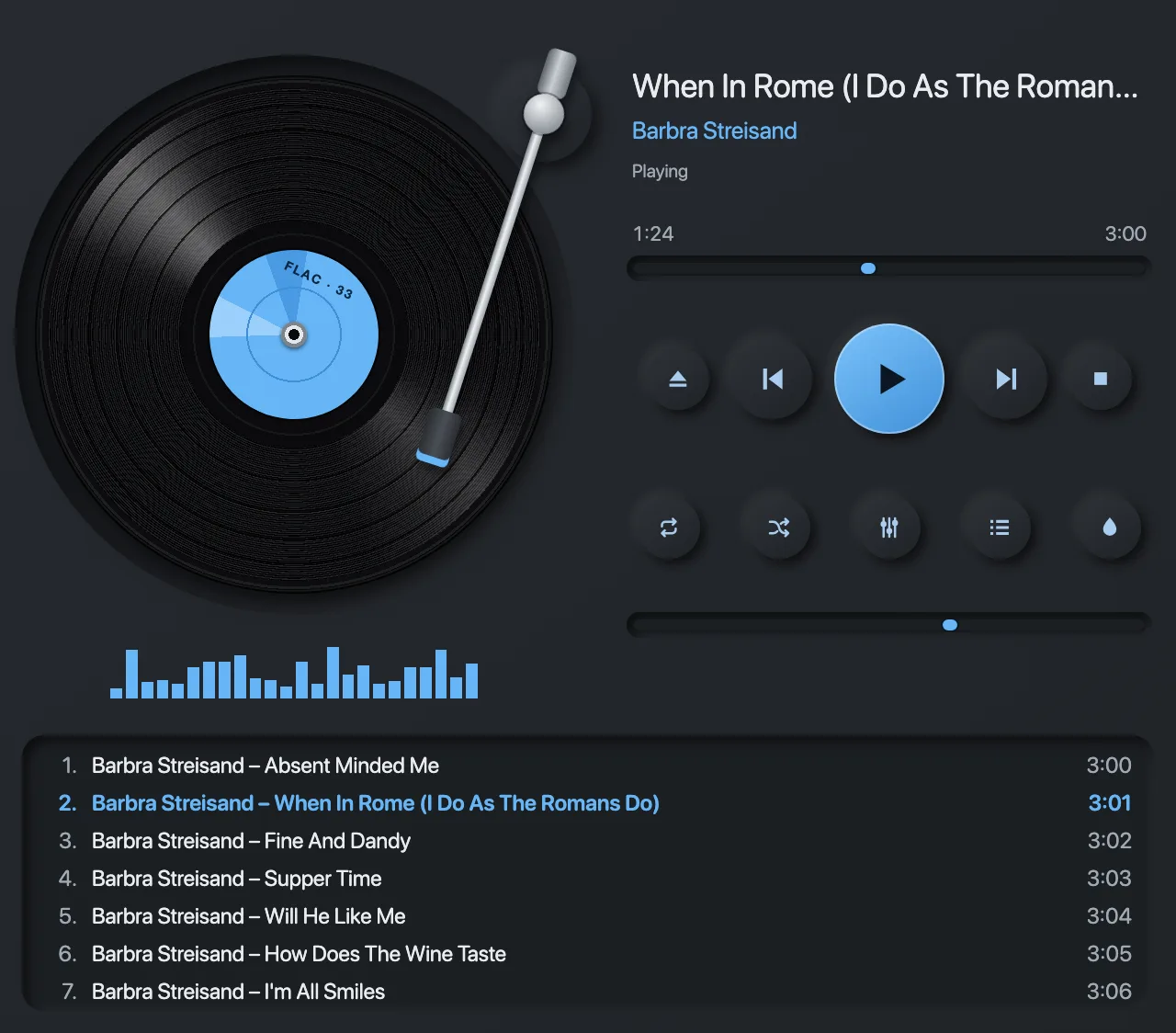
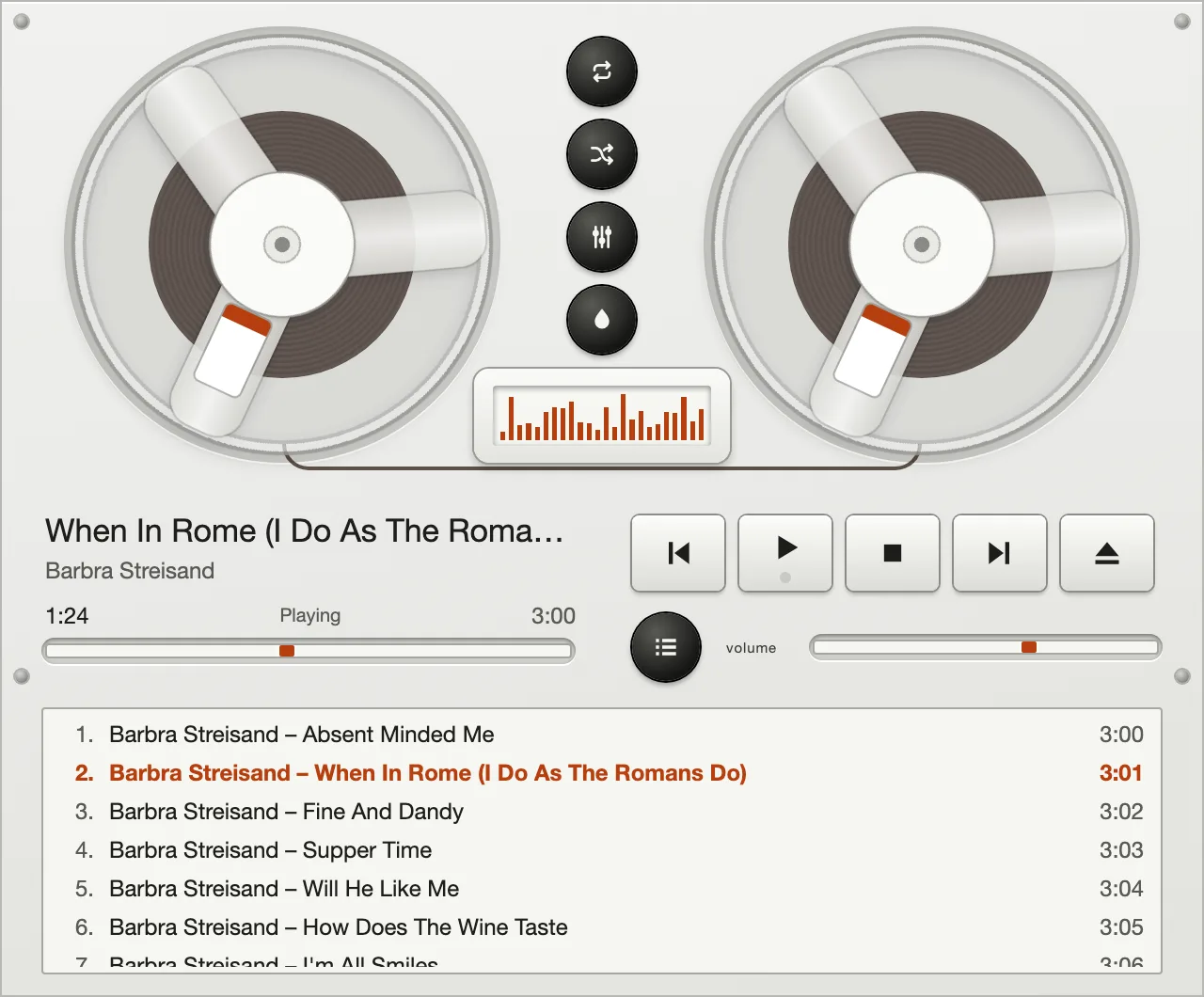
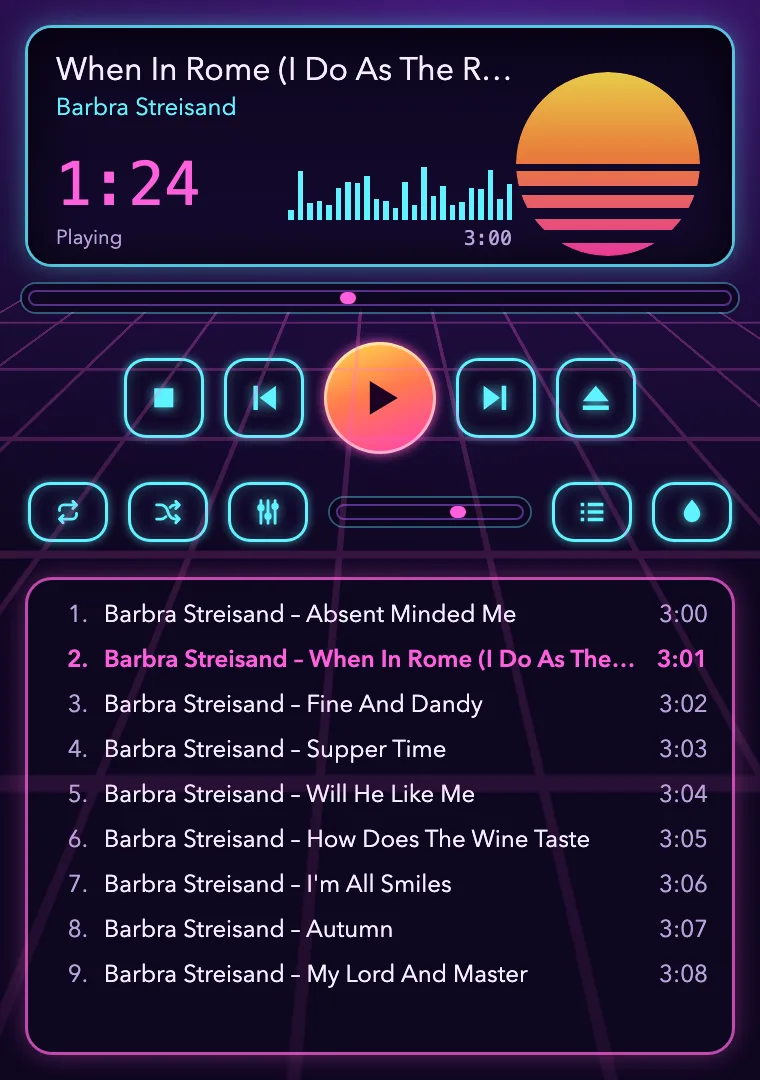
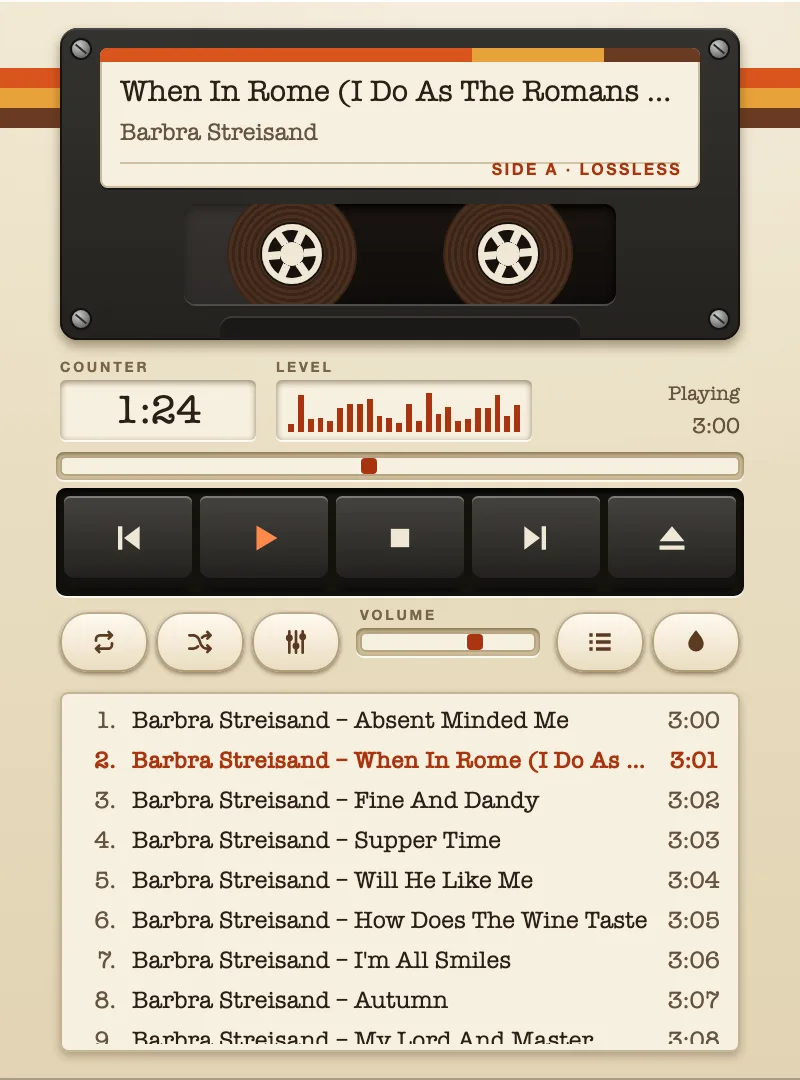
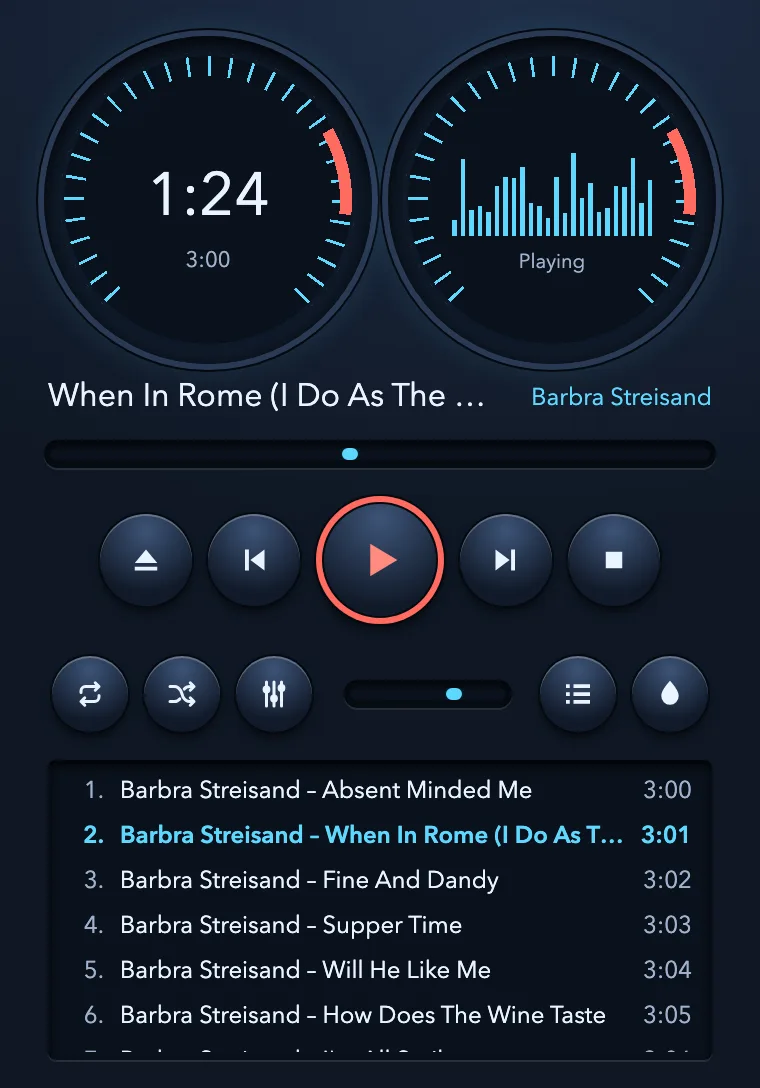
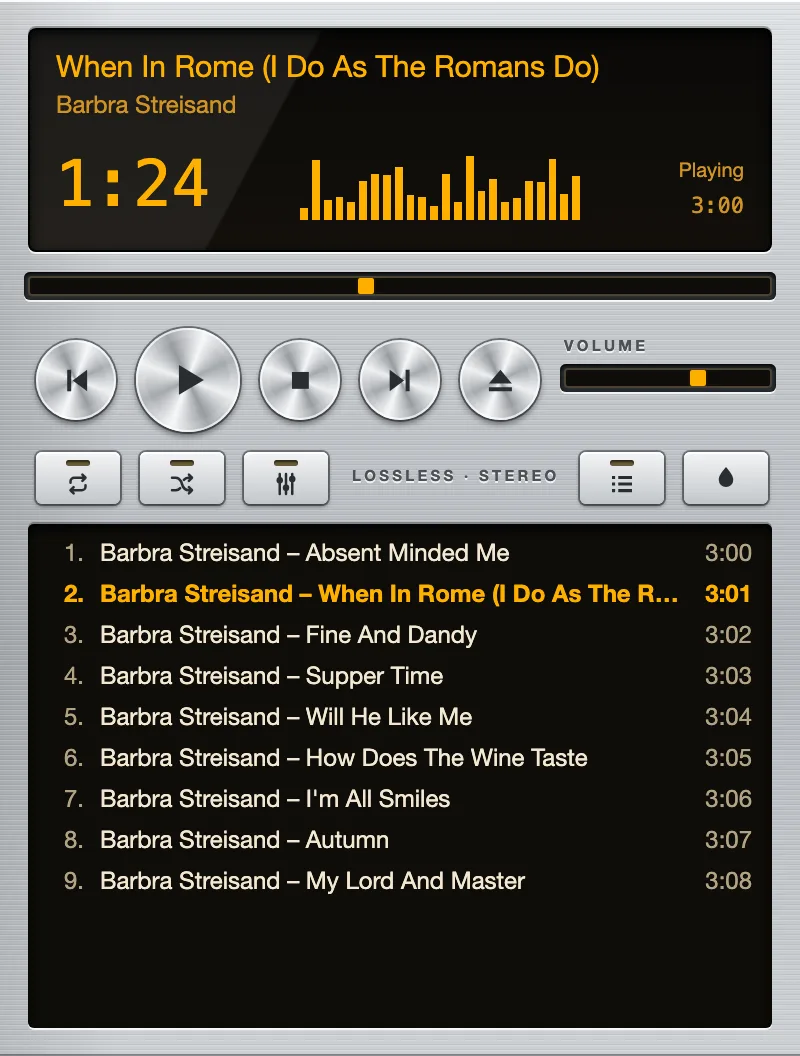
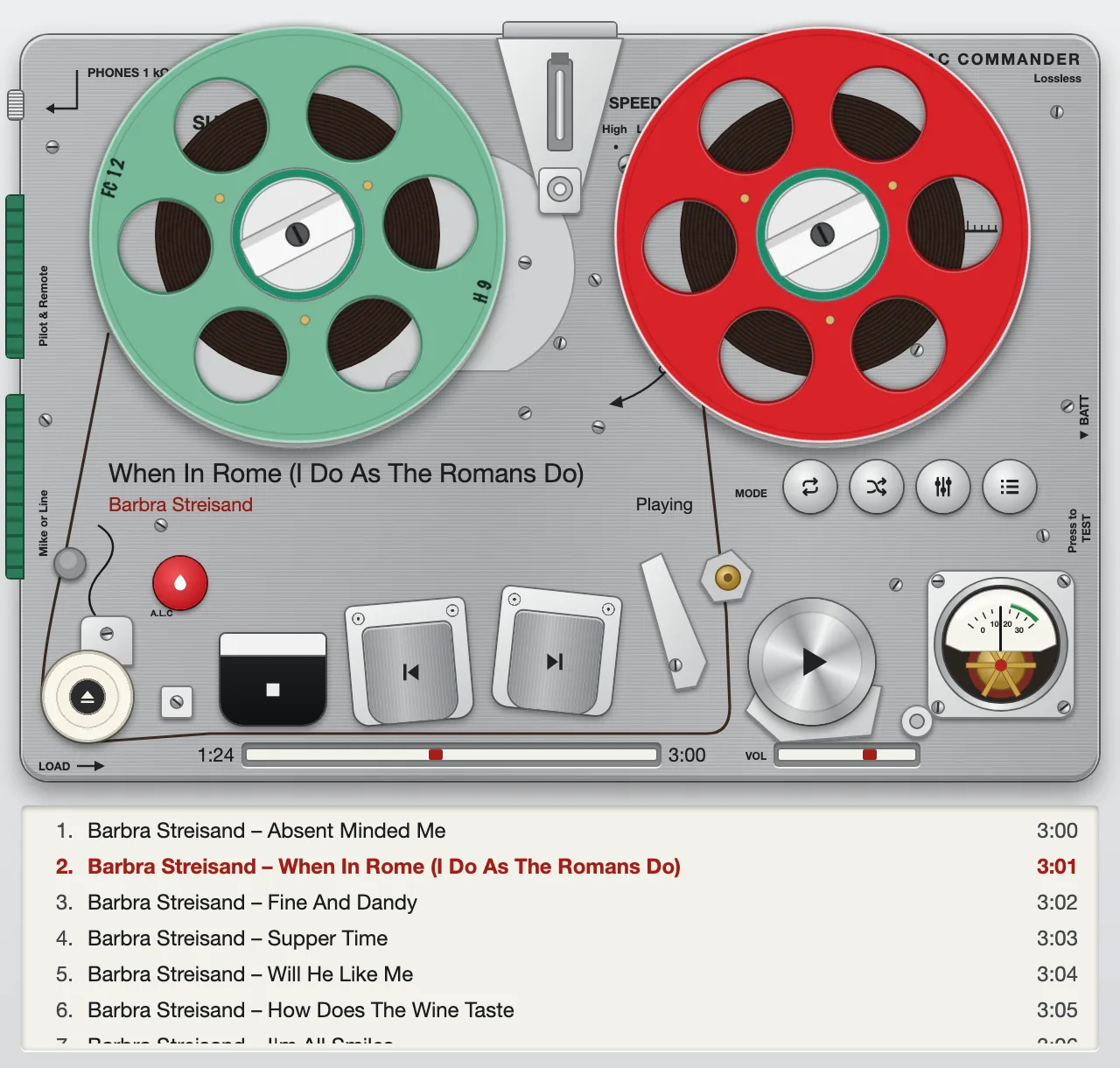
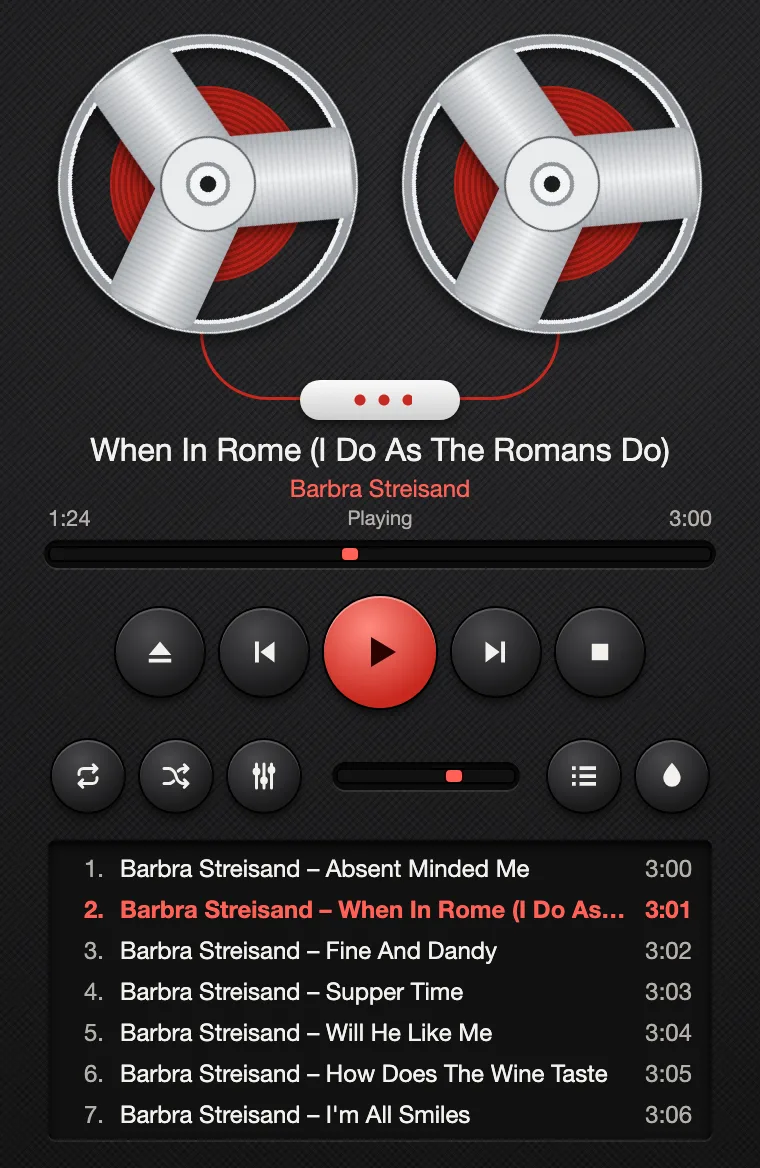
Vinyl – the default: a record under the needle, controls pressed out of the surface.
A2 the engine · Rust
Decoding runs on its own thread and hands the samples over through a lock-free ring buffer. The audio callback takes no lock, allocates nothing and touches no file, so a busy window cannot make the music stutter.
The next track is decoded before the current one ends. Live albums and classical movements run into each other as they were recorded.
The position counts what the callback has really put out, not what was decoded. It never runs ahead and it stands still in pause.
Files that cannot be played are marked and skipped. If the audio device disappears, playback pauses at its position and goes on with the new device.
A3 skins · 40 included
Turntable, cassette deck, tape machine, pocket player, receiver, synthesiser. Every skin is a complete player with its own layout, and switching takes one key: ⌘K or Ctrl+K.
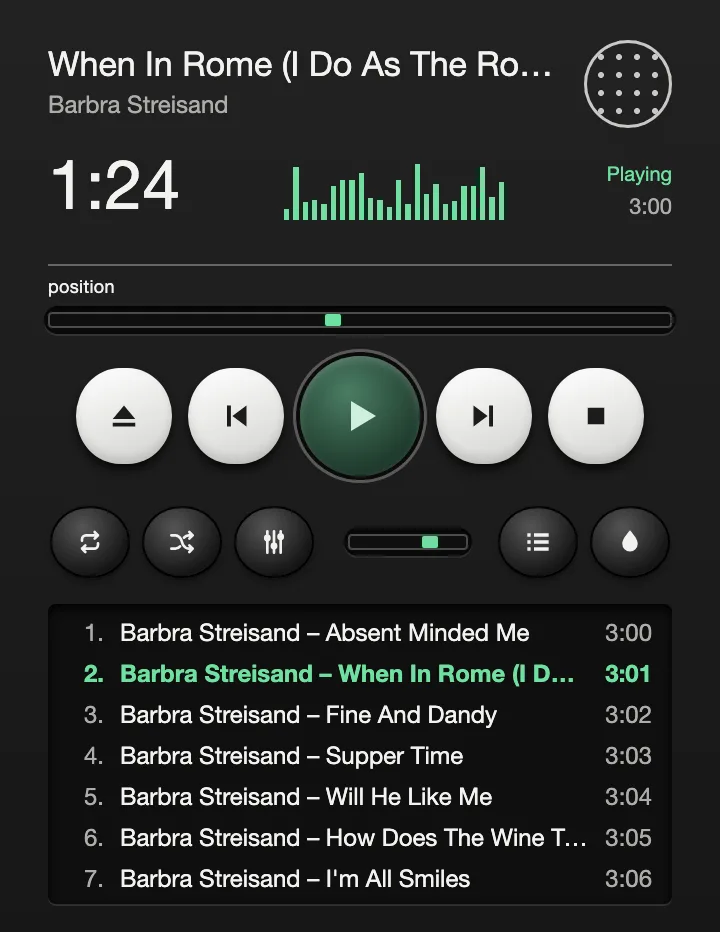
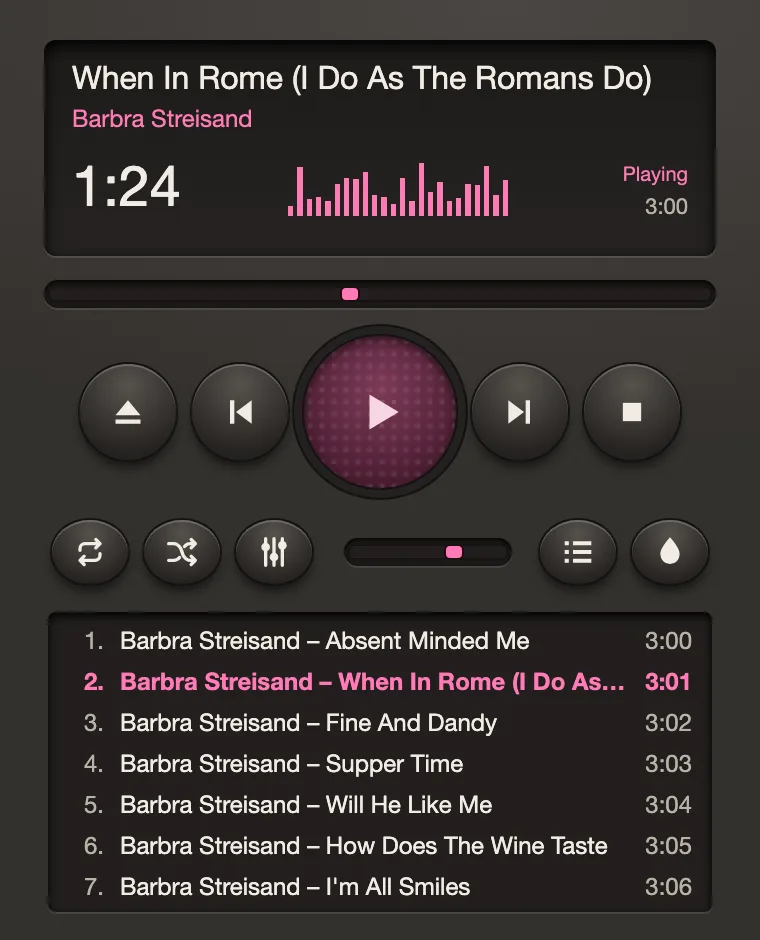
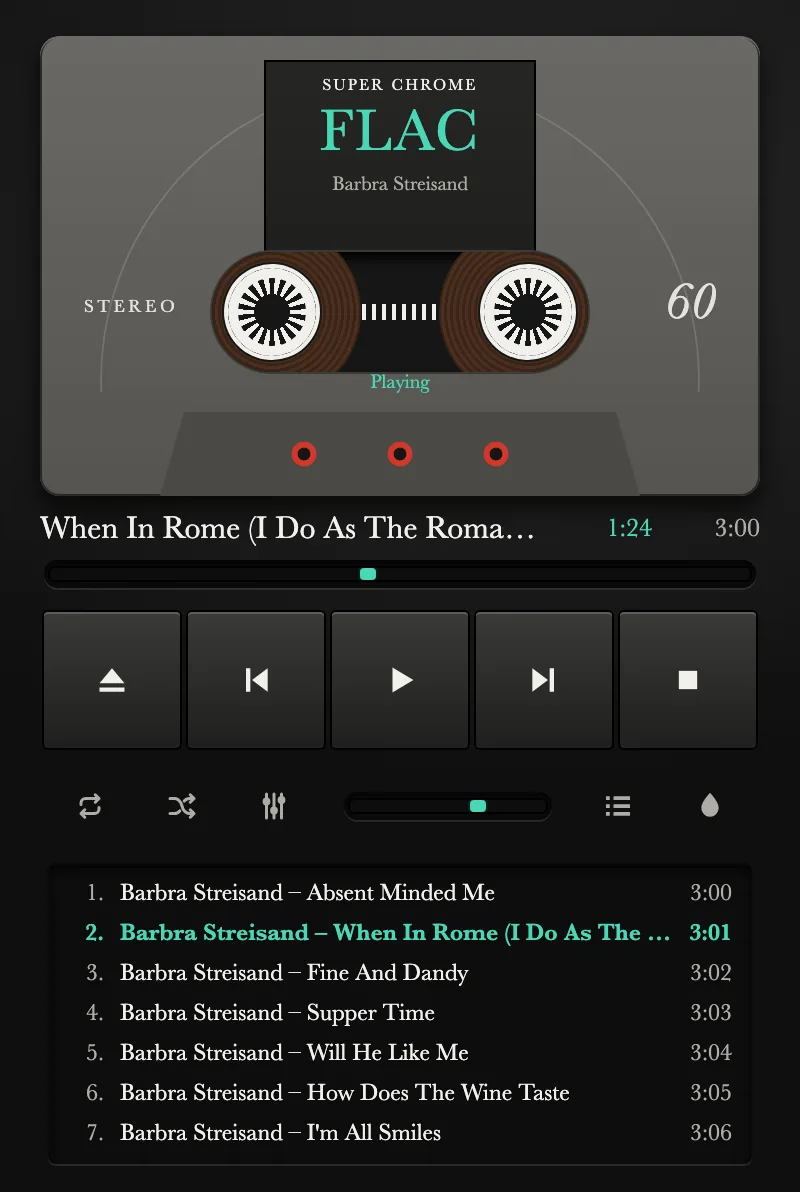
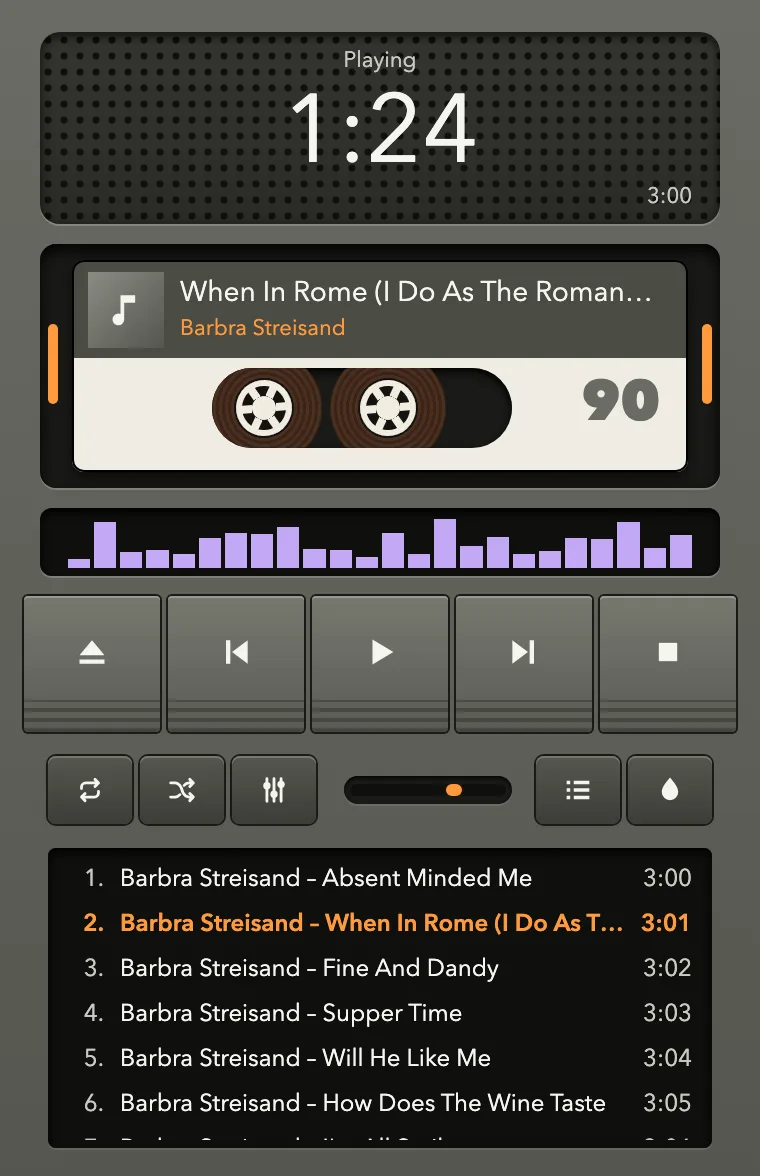
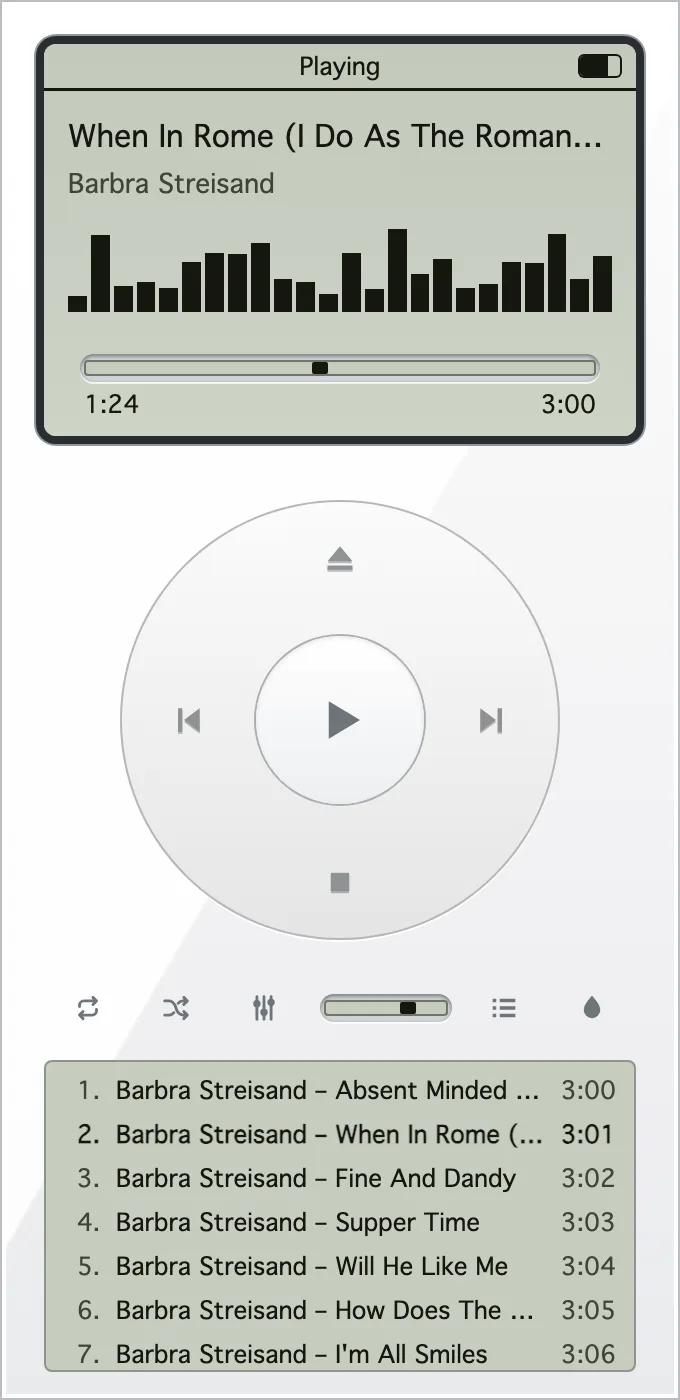
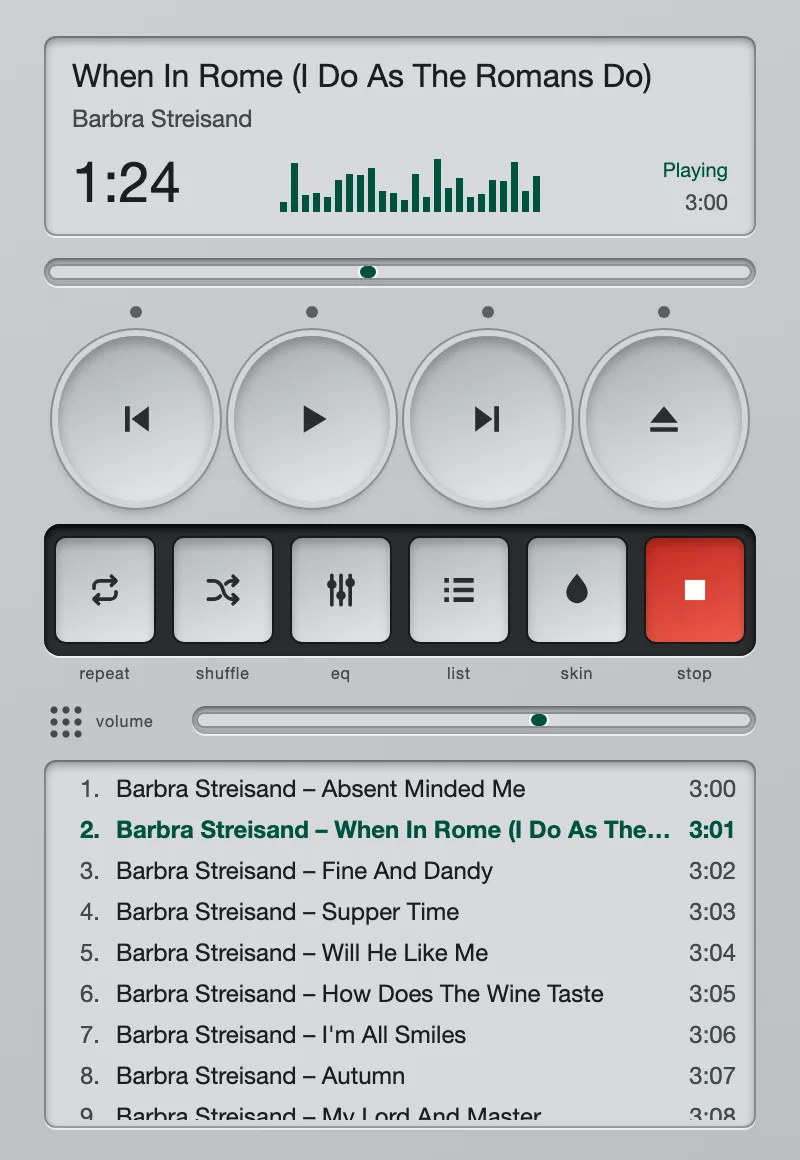
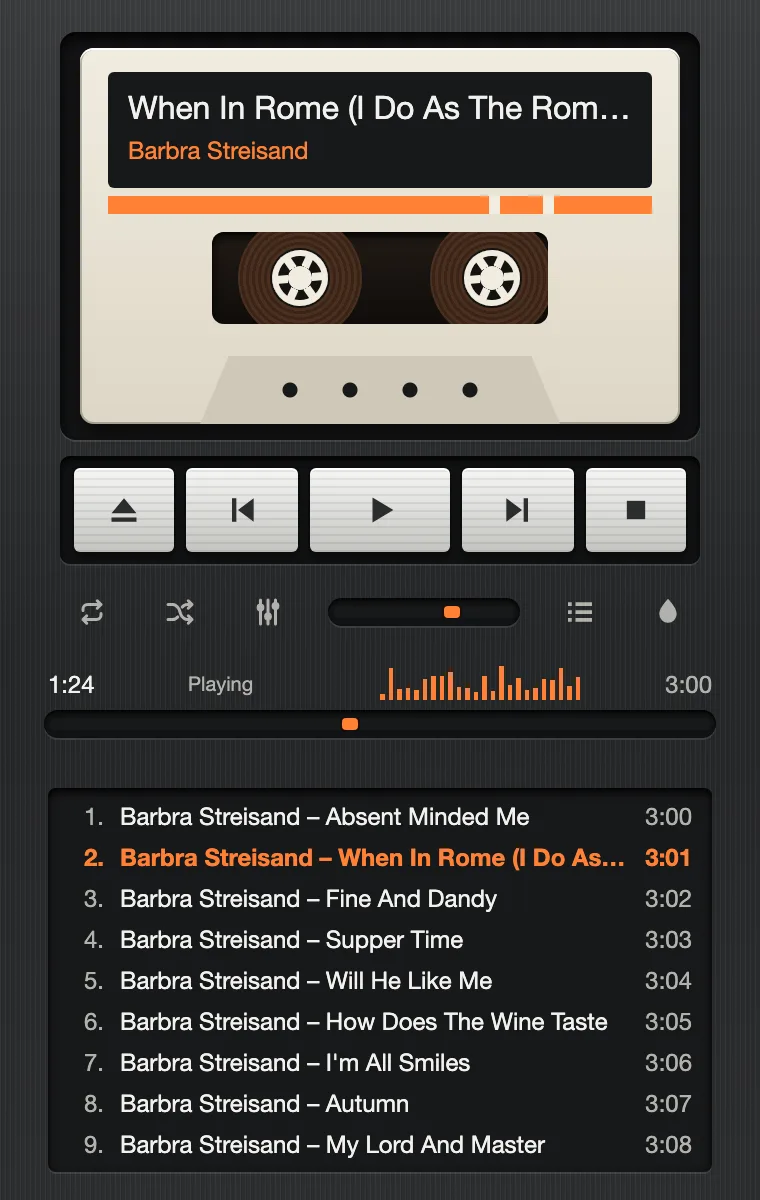
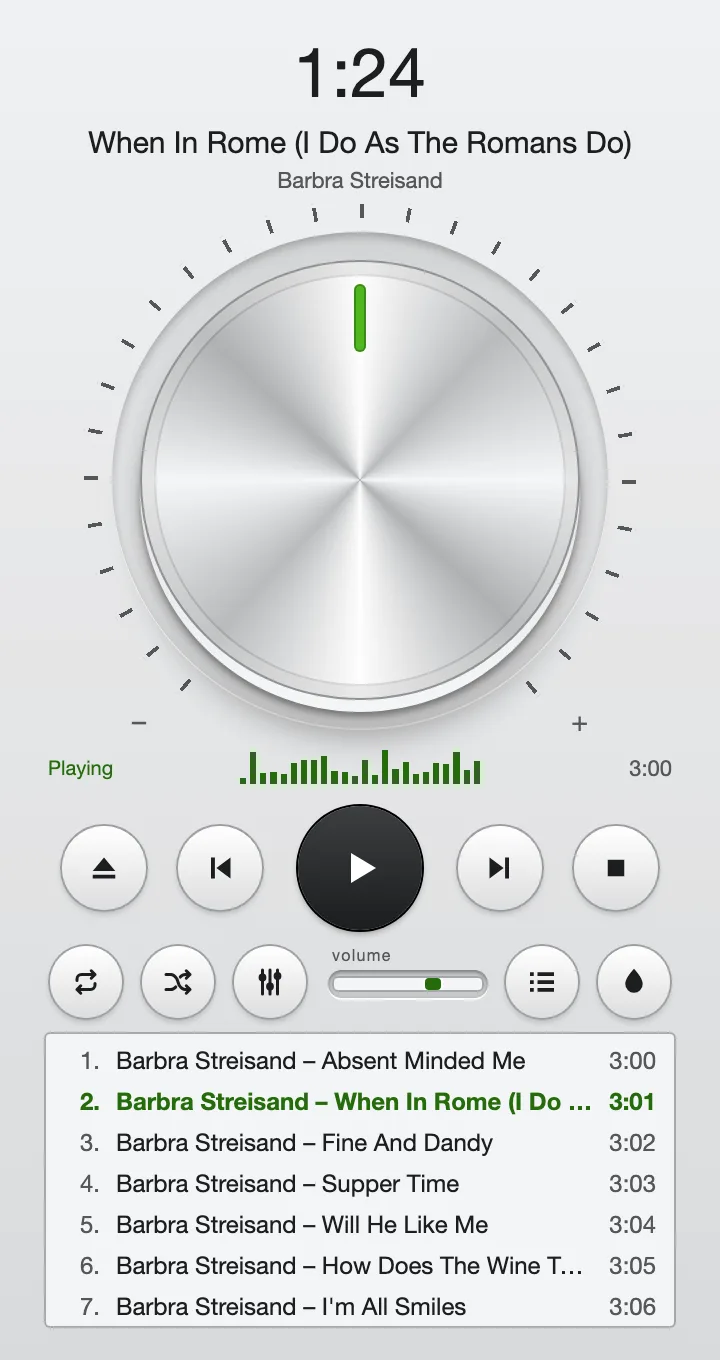
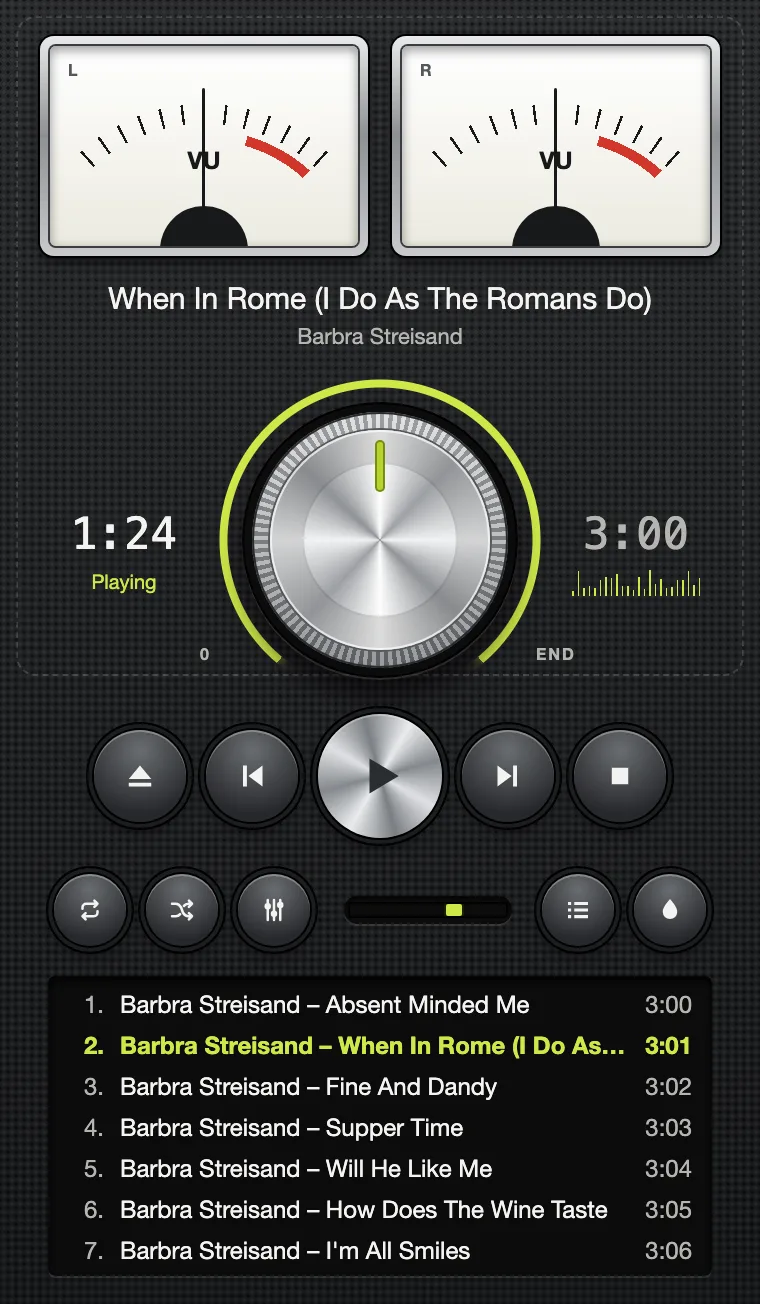
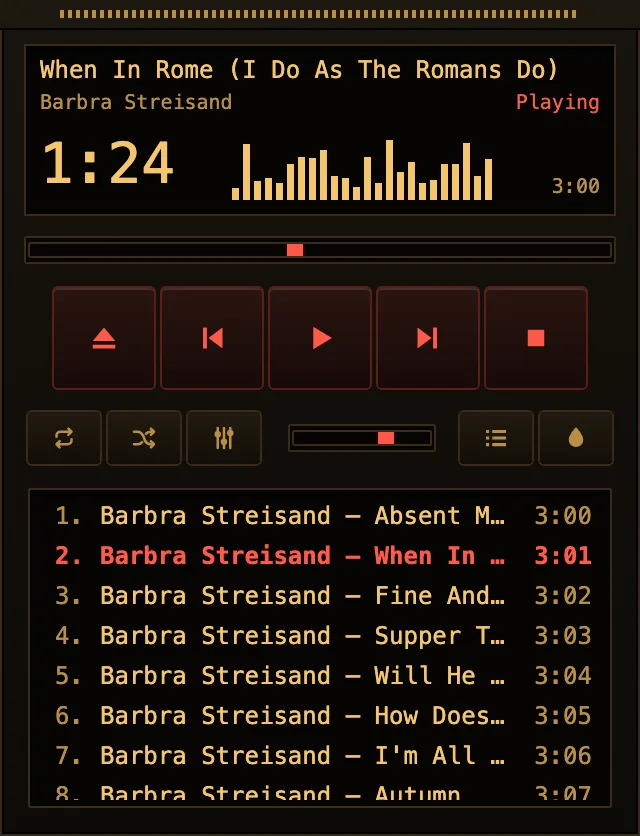
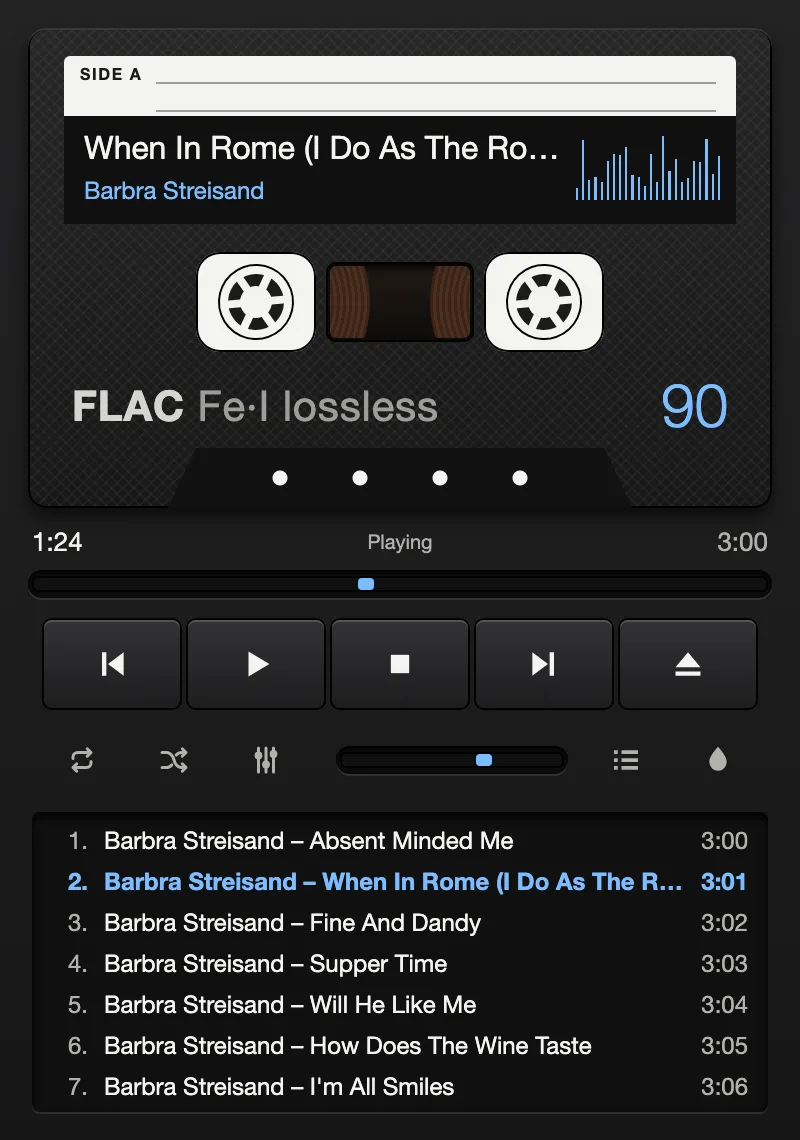
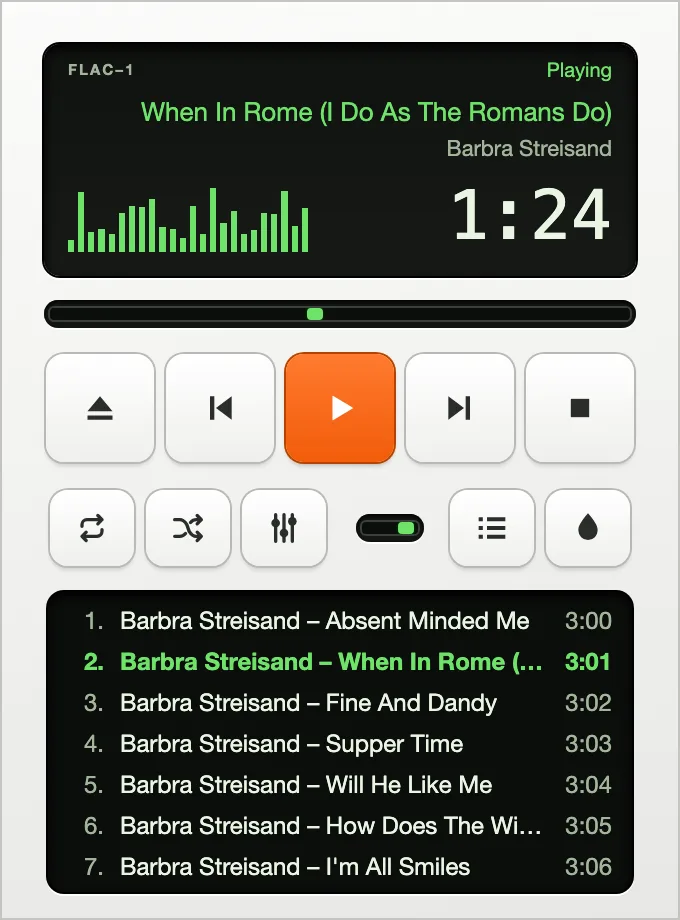
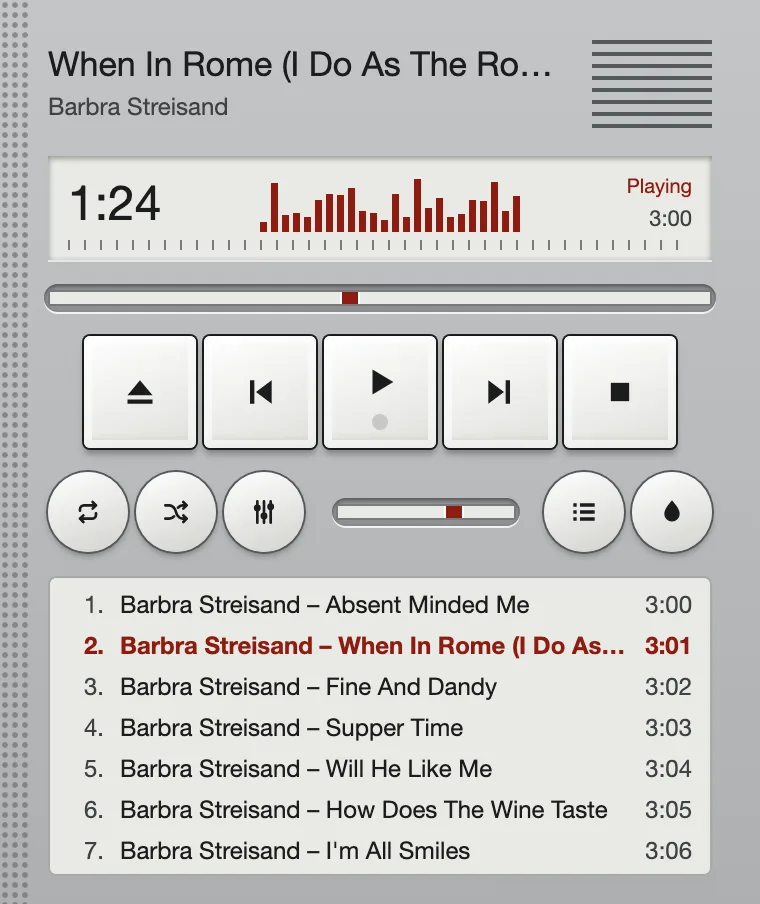
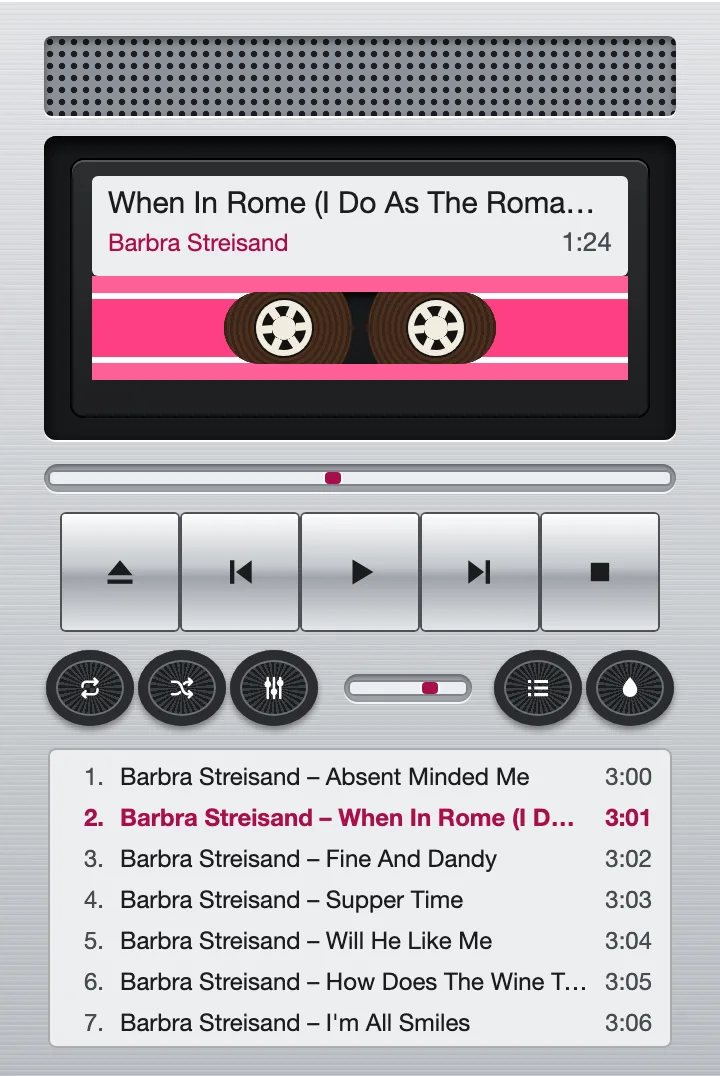
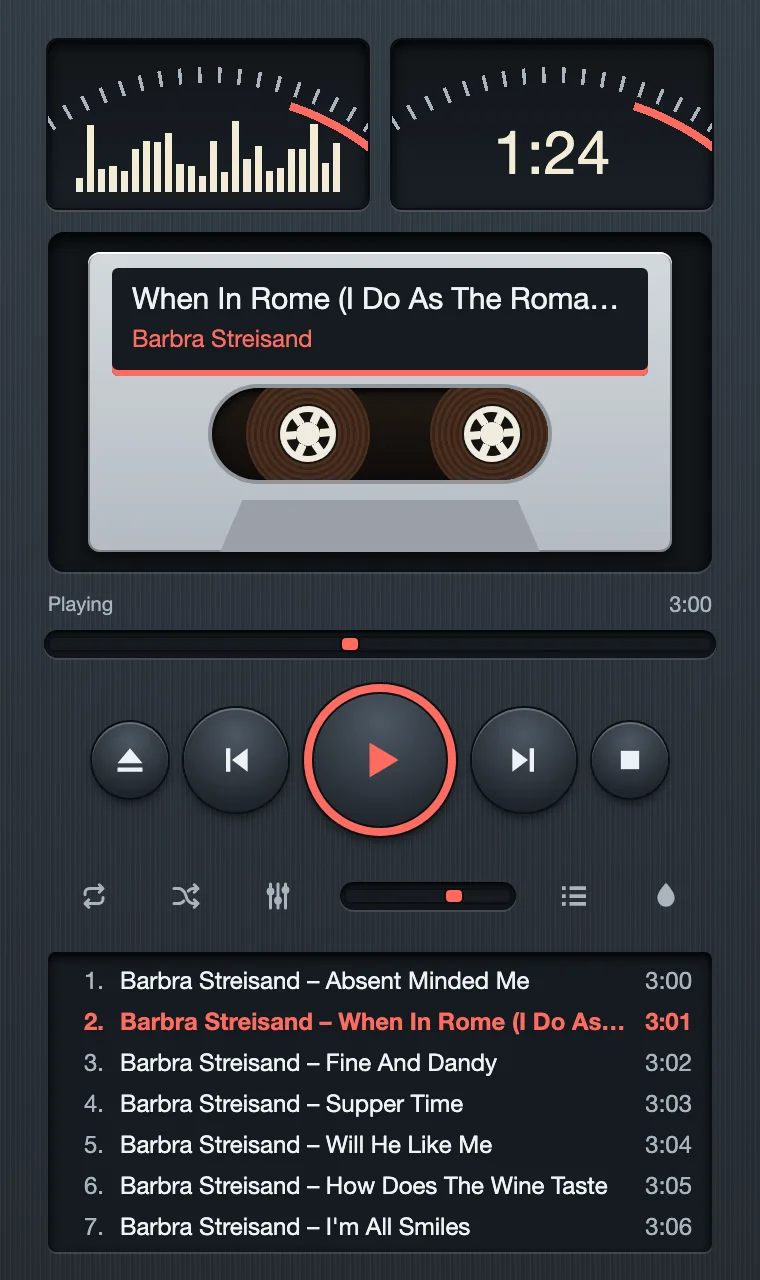
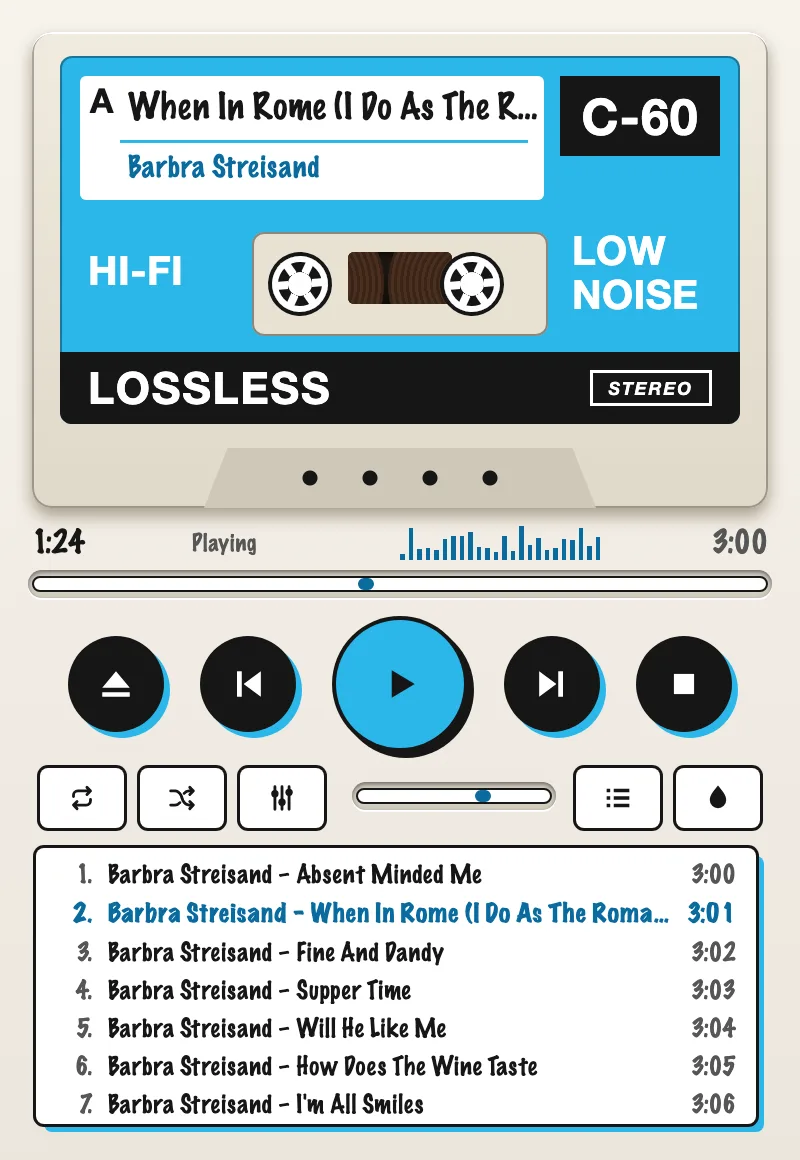
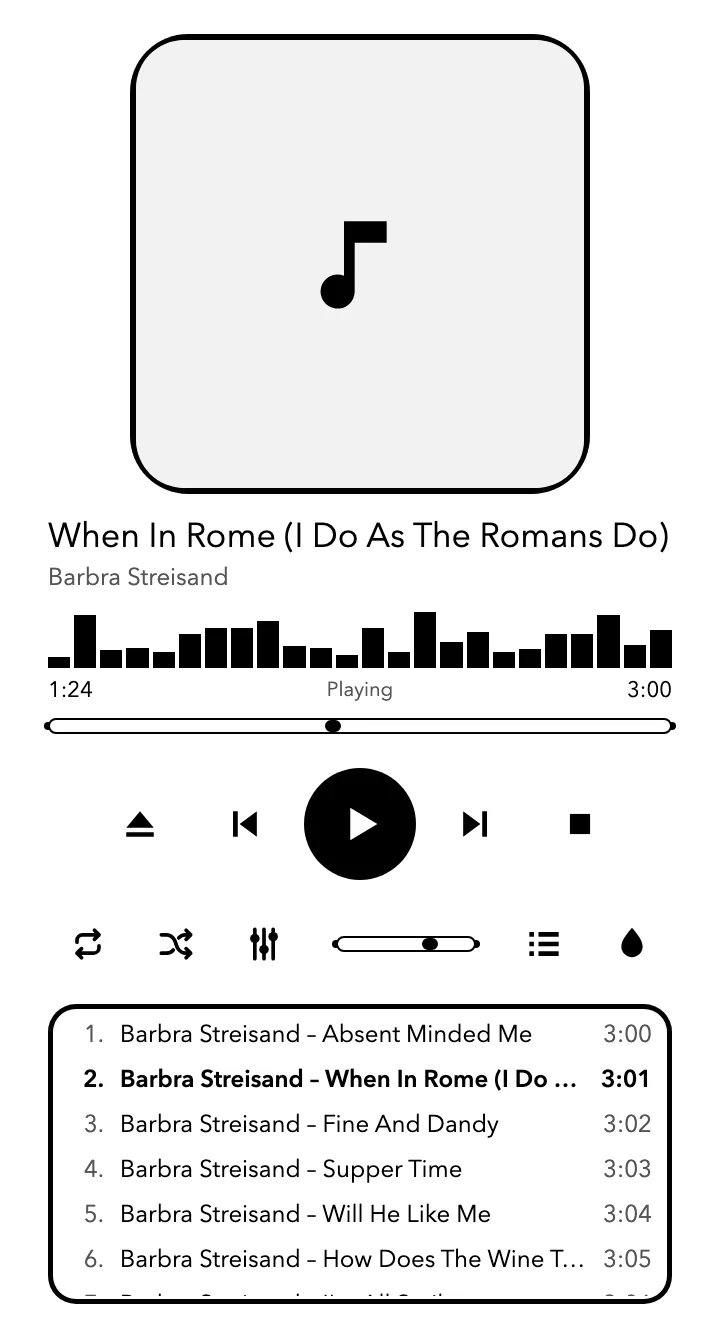
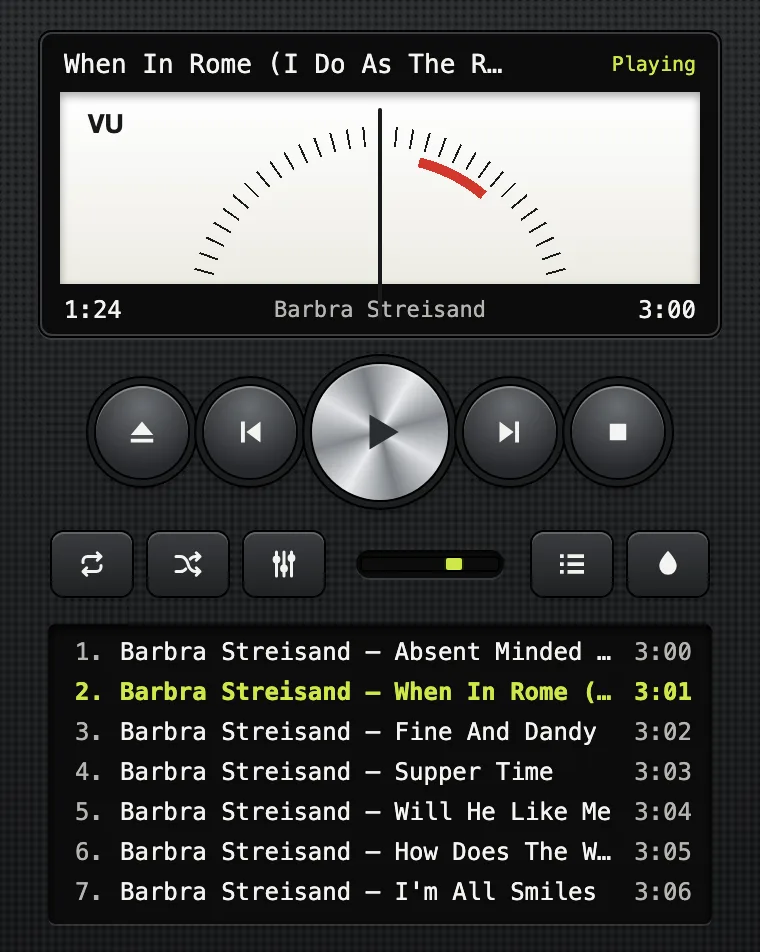
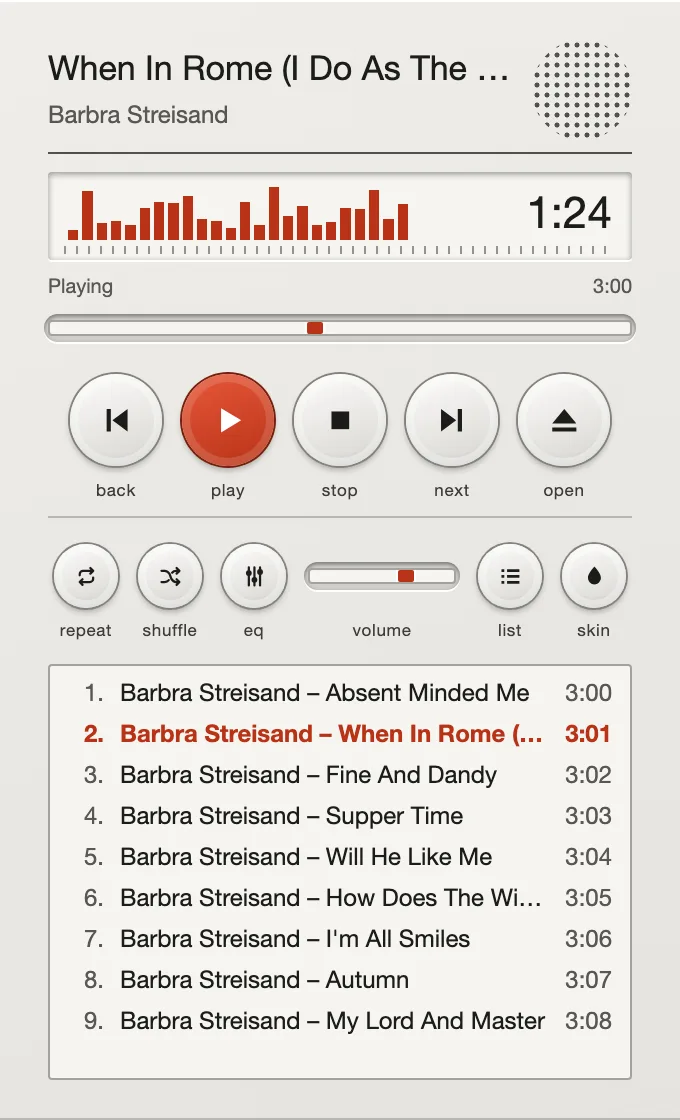
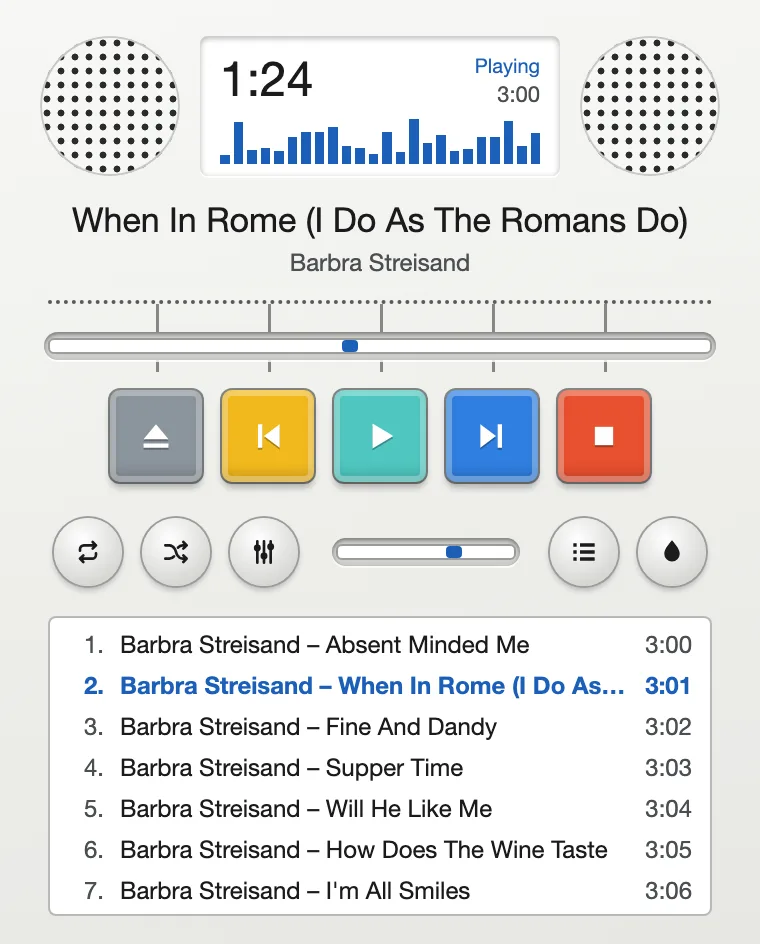
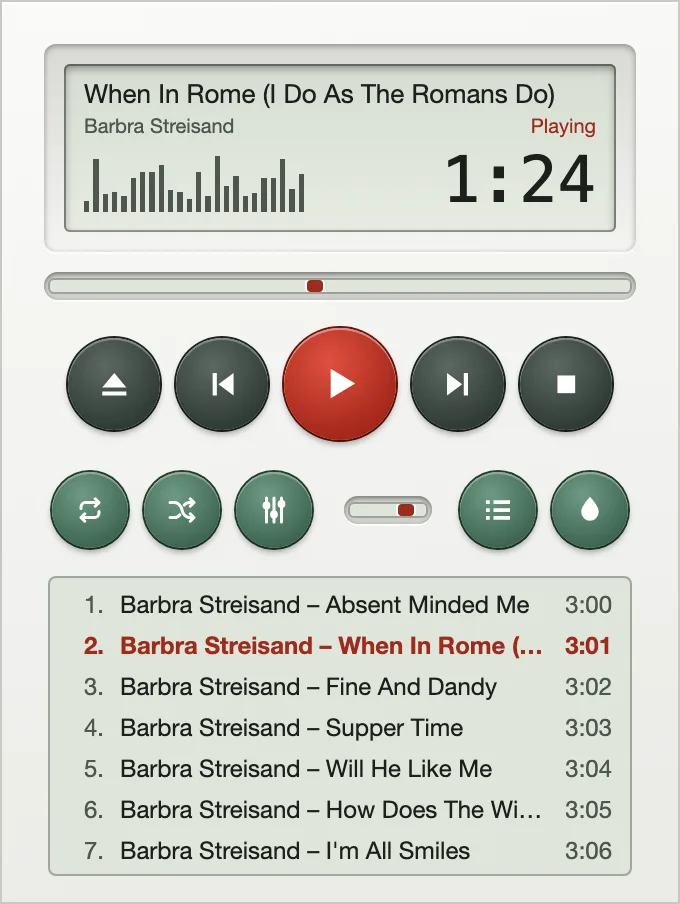
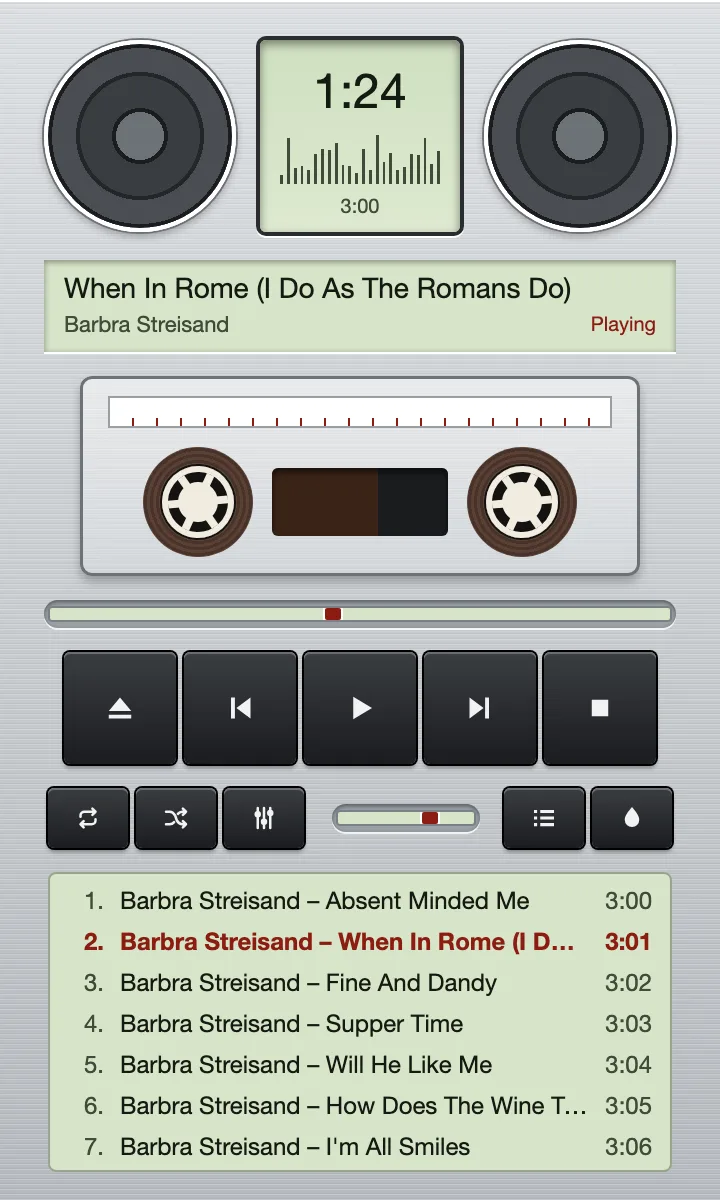
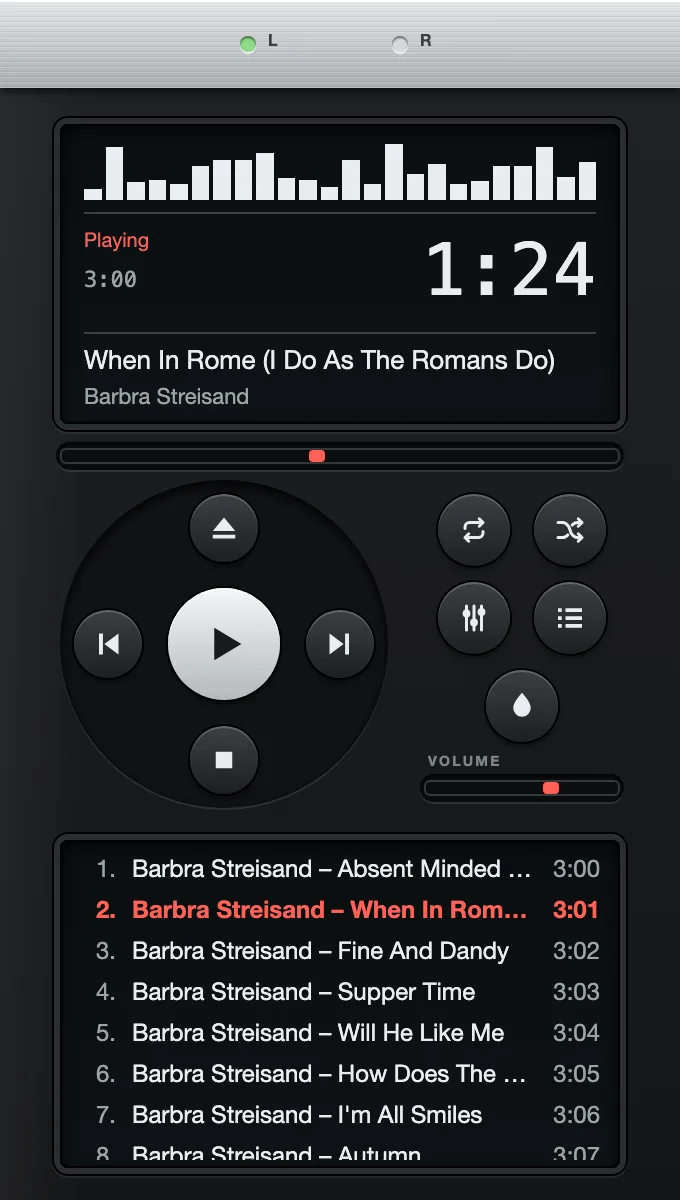
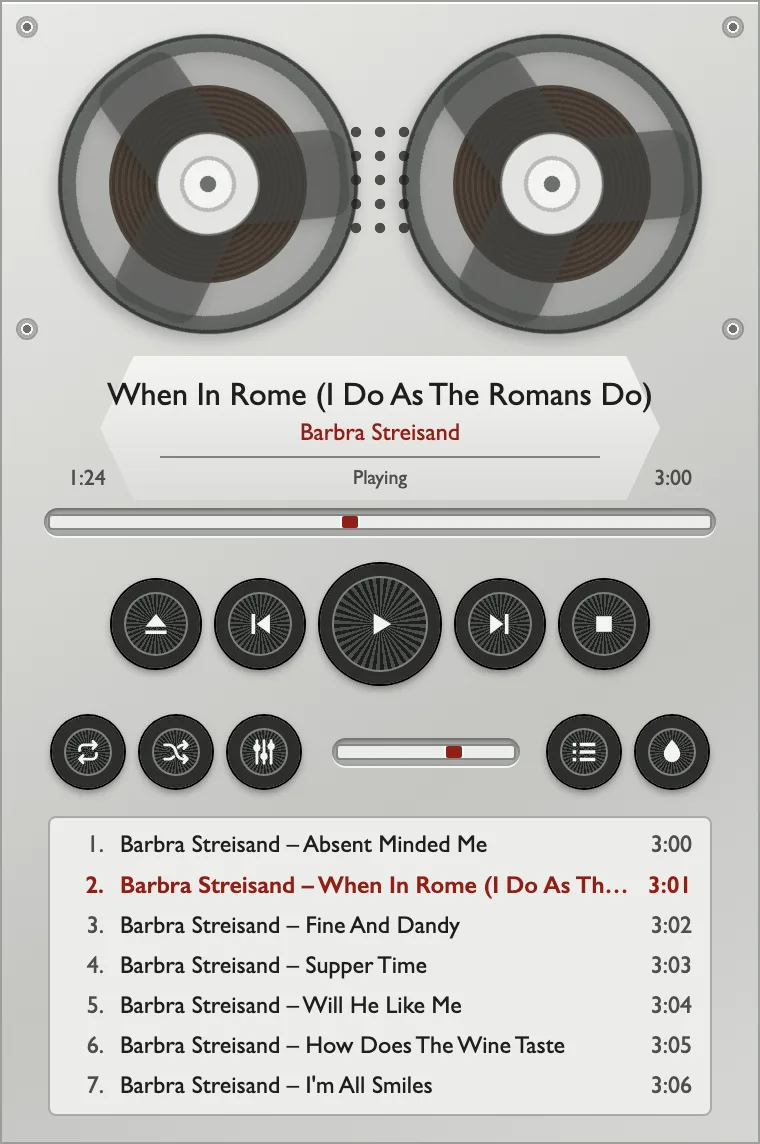
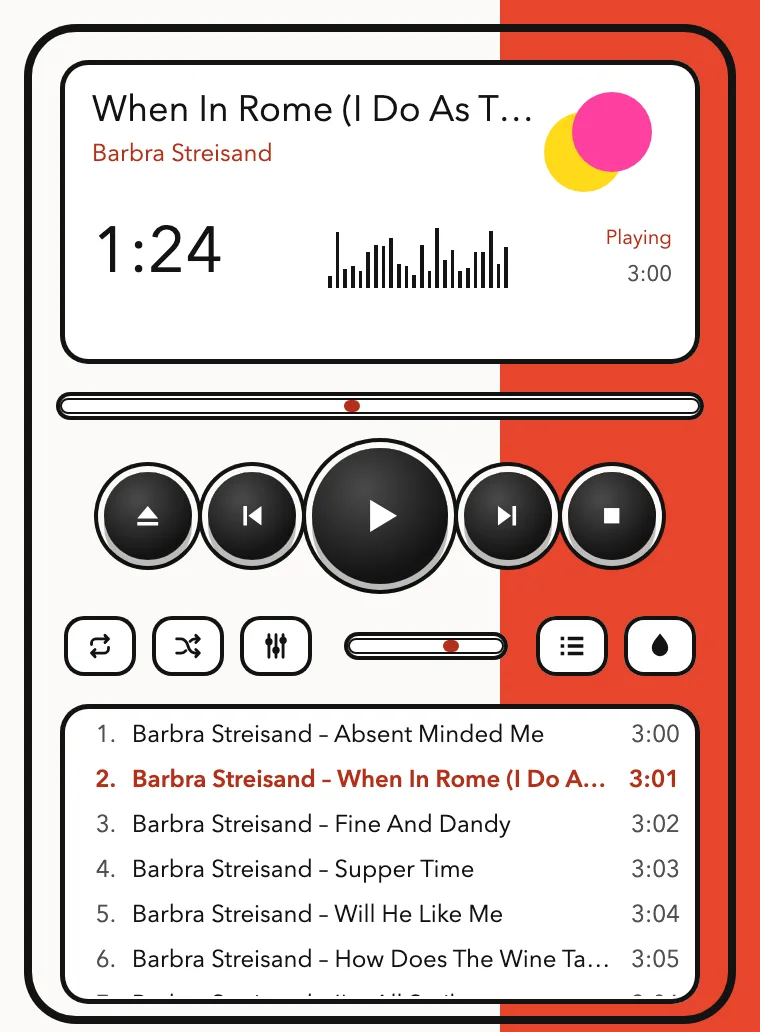
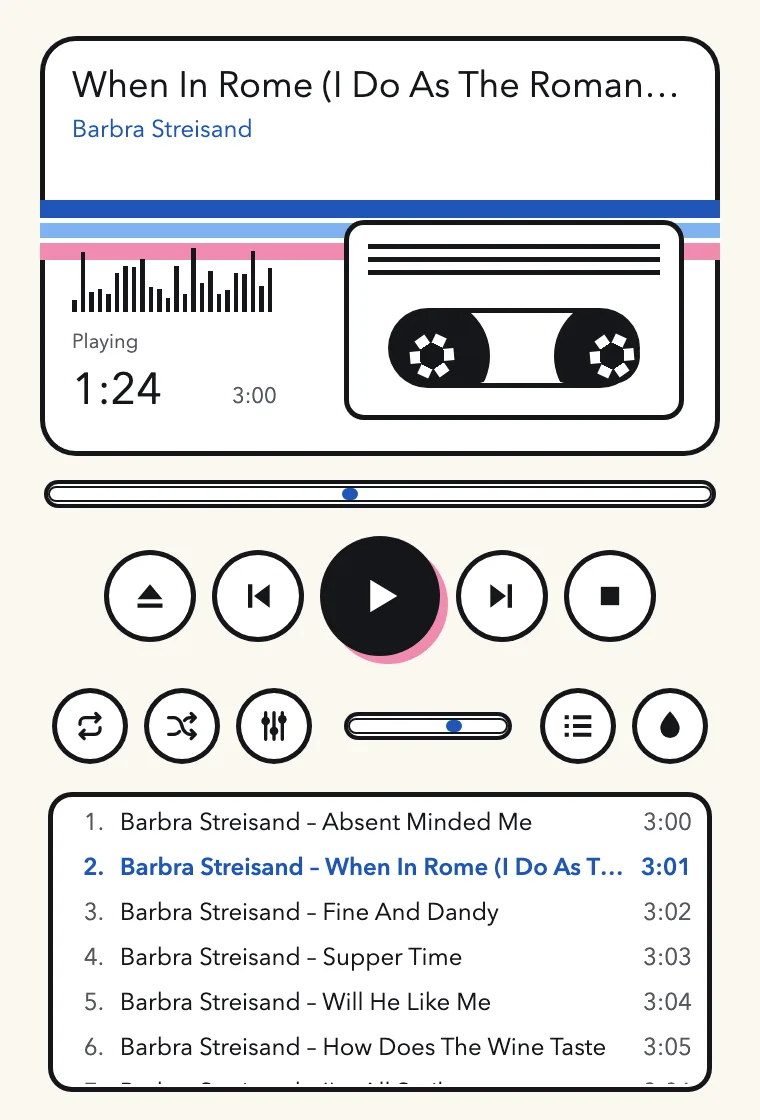
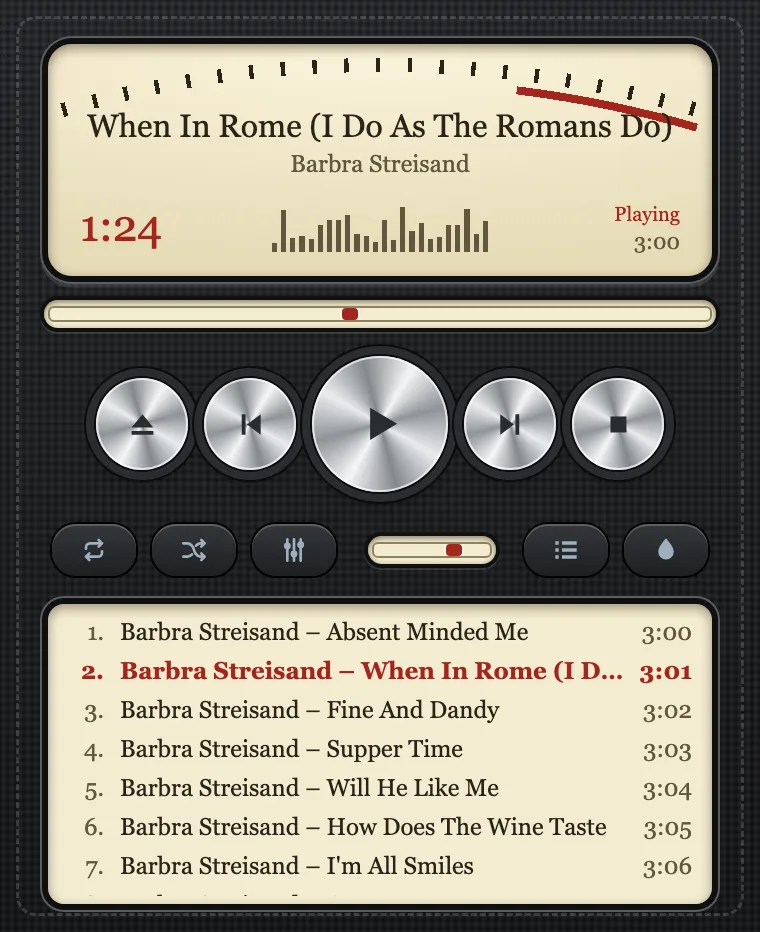
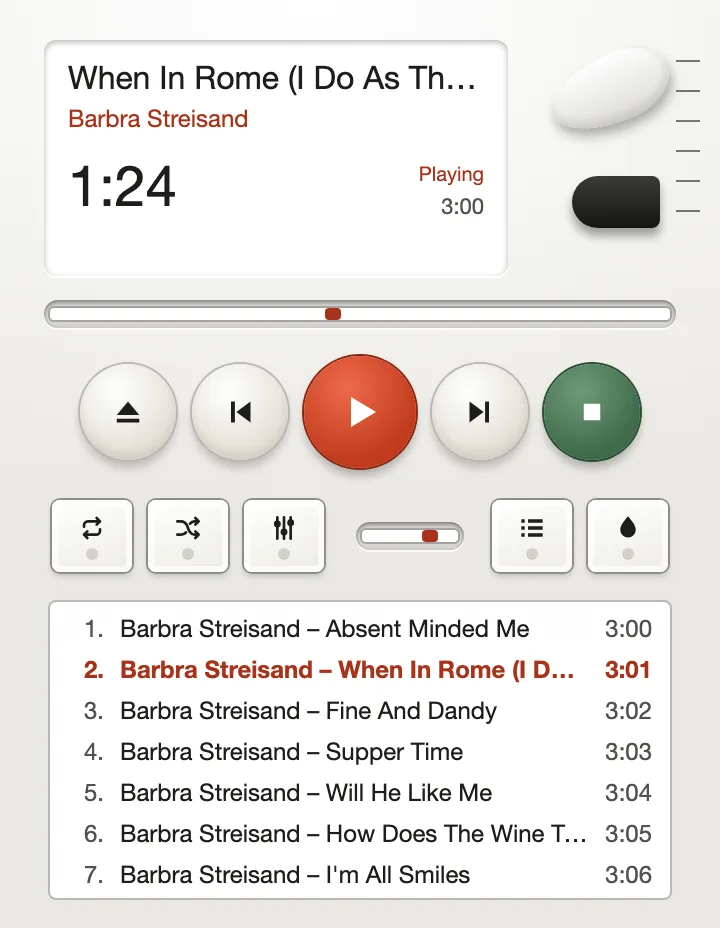
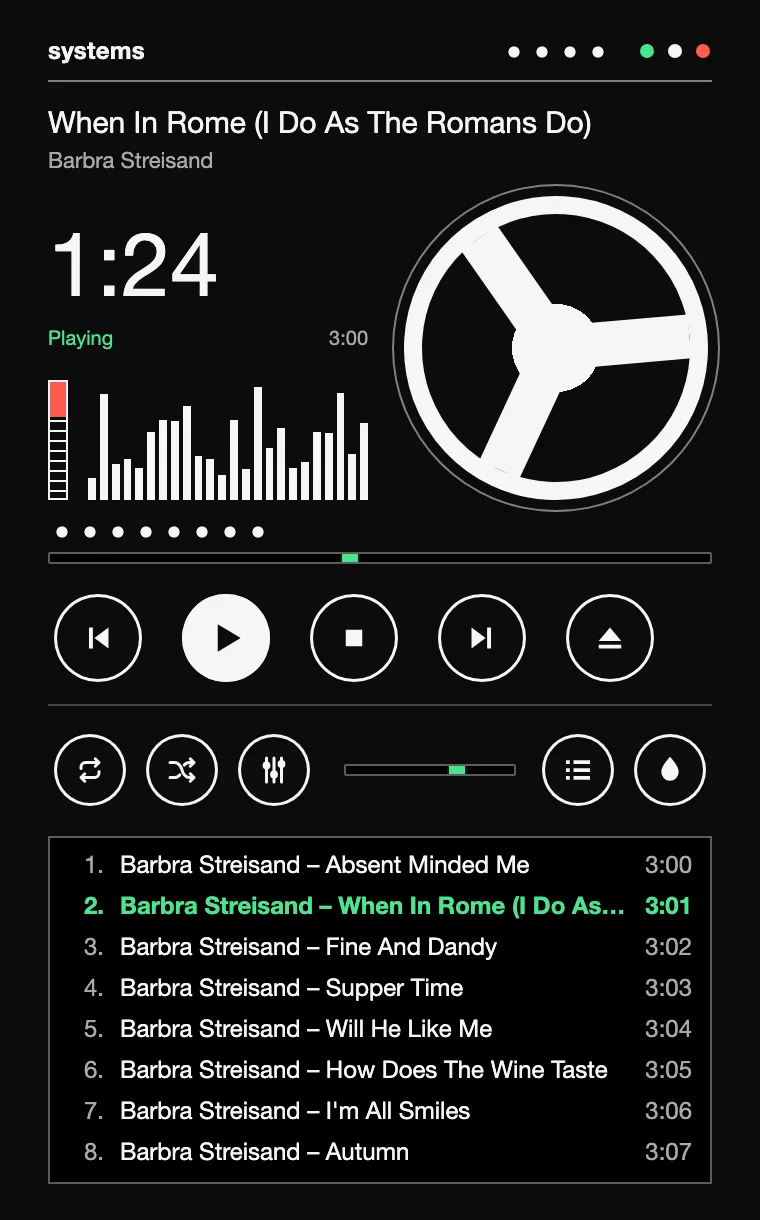
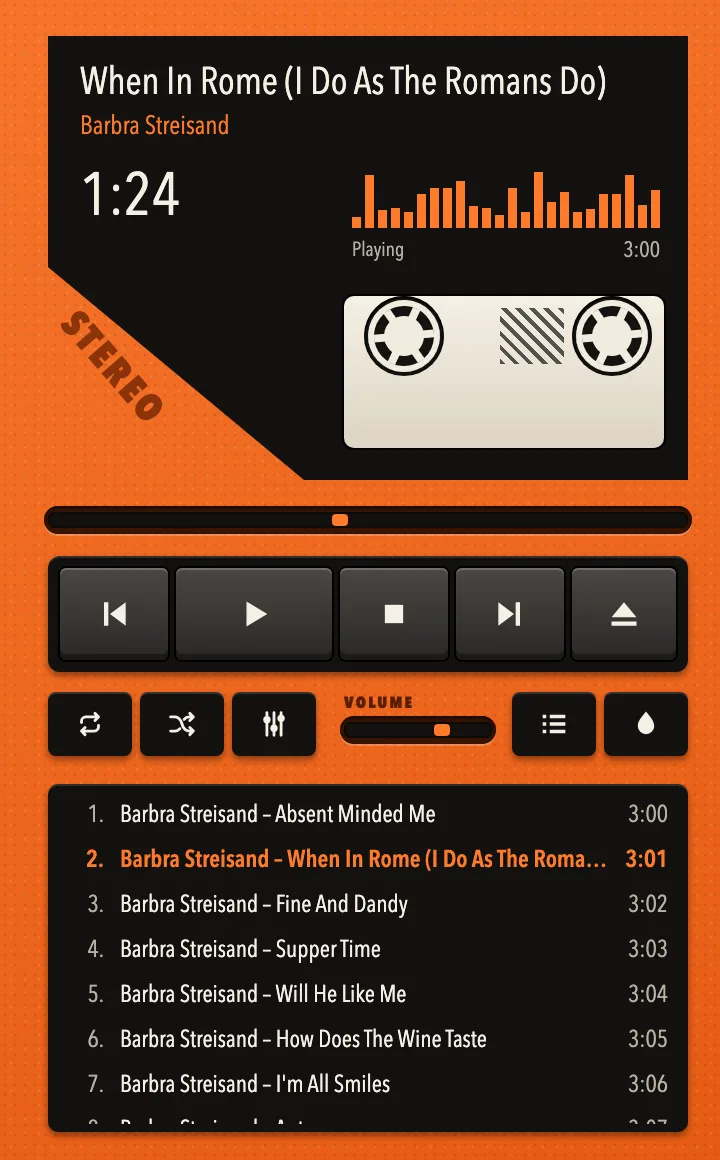
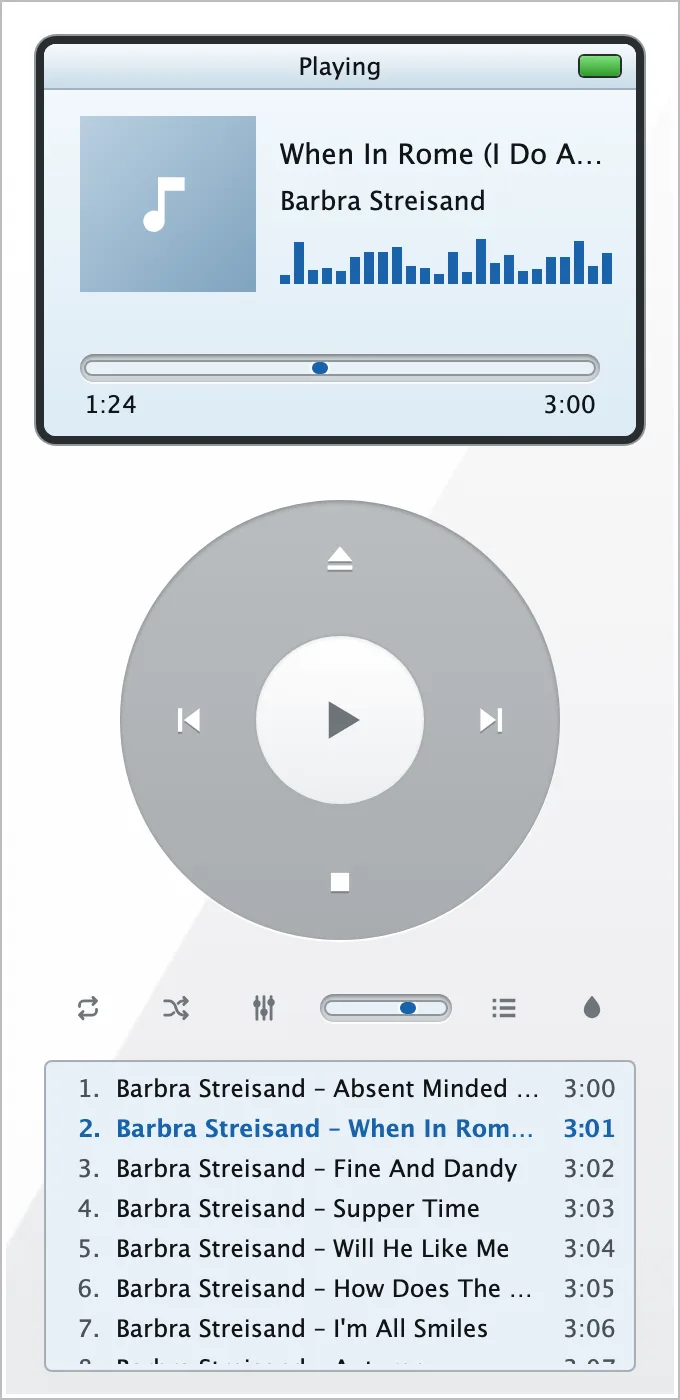
The pictures show the app as it is: each one is the preview that ships inside the skin.
A4 skin format · version 1
A ZIP with a skin.json and pictures. No JavaScript, no HTML, no free CSS: a skin chooses values and arranges the parts the app provides. That is why you can install one from anywhere.
.wsz is converted on import: main window, keys and colours. It is a conversion, not a pixel-exact copy.{
"formatVersion": 1,
"id": "org.example.neon",
"name": "Neon",
"version": "1.0.0",
"author": "Jane Doe",
"description": "Pink on black.",
"preview": "preview.png",
"theme": {
"background": "#101010",
"accent": "#ff2bd6",
"radius": 2
},
"windows": {
"player": { "layout": "flow" }
}
}components list and every key, reel and meter sits where you put it.B1 windows · equalizer
Playlist, equalizer, library and skin picker each open in a window of their own. All of them follow the same player, and the app remembers where you left them.
Try the presets: they are the ones in the app, with the preamp lowered where bands are raised, against clipping.
Add files with the dialog, drop files and folders on the window or pass them on the command line. Title, artist and length come from the tags.
Choose a music folder and walk through it: albums as a grid of covers, a search over folder, album, artist and title. Play at once or add to the playlist. No database, no import.
Every move of a slider is heard immediately. The equalizer runs inside the audio callback.
Playlist, the current track with its position, volume, repeat, shuffle, the skin, the places of the windows and the folder of the library.
Bars, meters and needles move with the music, and stay still when your system asks for reduced motion.
Reordering the playlist and selecting several titles. The library does not sort by year and has no view of all albums of one artist across folders. The import of Winamp skins covers the main window only.
All texts and error messages in German and English.
B2 keyboard
One central set of actions. On Windows and Linux, Ctrl takes the place of ⌘.
| Key | Playback |
|---|---|
| Space | Play / pause (without a track: open a file) |
| V | Stop |
| ← → | 5 seconds back / forward |
| ↑ ↓ | Louder / quieter |
| Z B | Previous / next track |
| R S | Repeat (off, playlist, track) / shuffle |
| ⌘O | Add files |
| ⌘K | Choose a skin |
| ⌘0 | Back to the default skin |
| Key | Windows and lists |
|---|---|
| ⌘L | Playlist in its own window / in the main window |
| ⌘E | Equalizer window |
| ⌘B | Library window |
| ↑ ↓ Home End | Playlist: move the selection |
| Enter | Playlist: play the selected title |
| Del | Playlist: remove the selected title |
| ⌘F | Library: search field; Esc clears it |
| Tab Enter | Library: choose a tile or title; open the album or play |
B3 platforms · version 0.1.0
A small Tauri 2 app: the window is the system's own web view, everything that sounds is native Rust.
Universal .dmg for Apple Silicon and Intel.
.msi or setup .exe, 64 bit.
.deb, .rpm or AppImage, 64 bit.
The packages are not signed: macOS and Windows warn at the first start. The source is open, so you can read it and build it yourself.
B4 · 33⅓ rpm
Free and open source under the MIT licence.